02/07/2026
 12:30
12:30
 HaiDM
HaiDM
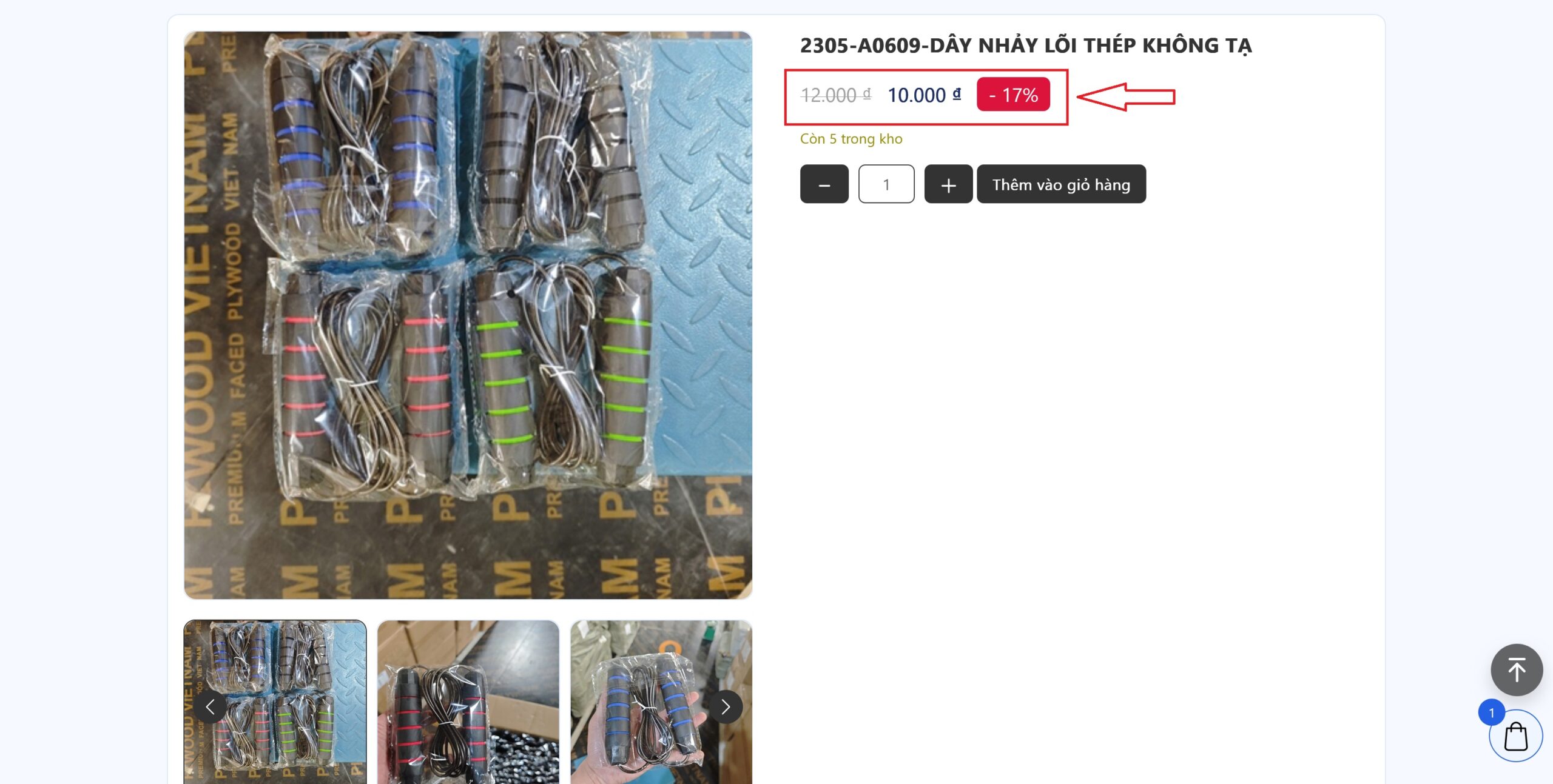
Code thêm vào wp-content/themes/{your-theme}/functions.php của theme nhé
add_filter('woocommerce_format_sale_price', 'add_sale_price_percentage', 20, 3 );
function add_sale_price_percentage( $price, $regular_price, $sale_price ){
    // Strip html tags and currency (we keep only the float number)
    $regular_price = strip_tags( $regular_price );
    $regular_price = (float) preg_replace('/[^0-9.]+/', '', $regular_price);
    $sale_price = strip_tags( $sale_price );
    $sale_price = (float) preg_replace('/[^0-9.]+/', '', $sale_price);

    // Percentage text and calculation
    $percentage  = __('-', 'woocommerce') . ' ';
    $percentage .= round( ( $regular_price - $sale_price ) / $regular_price * 100 );

    // return on sale price range with "Save " and the discounted percentage
    return $price . ' ' . $percentage . '%';
}
Code css cho đẹp. Thêm vào bất kỳ chỗ nào cho phép chèn css hoặc Giao diện » Tùy biến » Css bổ sung
span.onsale {
    color: #FFF;
    top: 5px !important;
    left: 5px !important;
    padding: 5px 15px !important;
    border-radius: 0 !important;
    min-height: unset !important;
    line-height: unset !important;
    background: #DC143C !important;
}
Chúc các bạn thành công.